RTS games for Mac, Chromebook and low-end laptops
Most RTS lists assume a gaming PC. This one does not: here is what runs well on a MacBook, a school Chromebook or a ten-year-old laptop.
- Updated
- 29 October 2026
- Disclosure
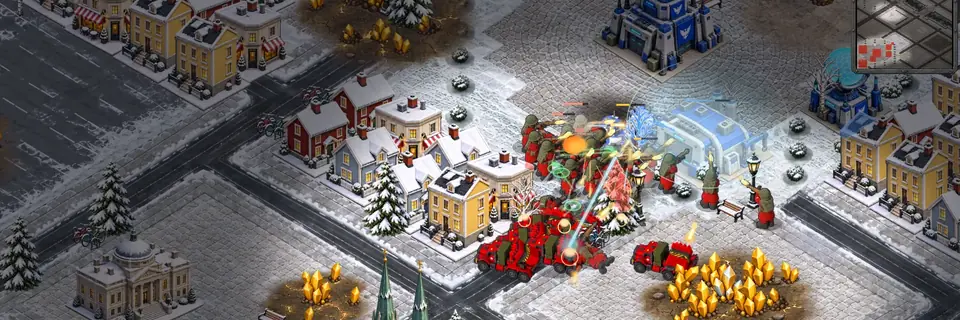
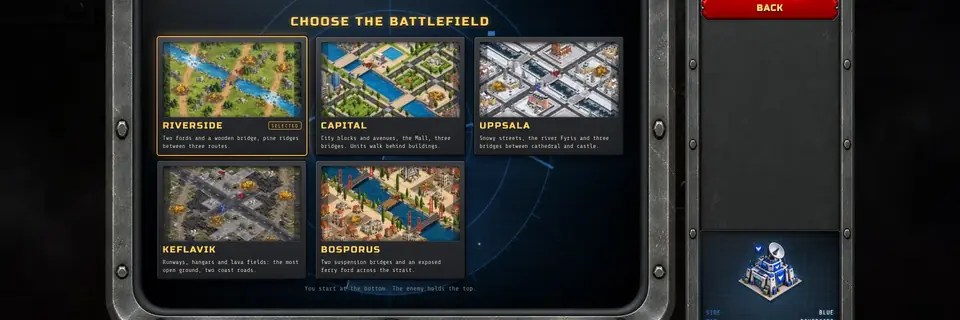
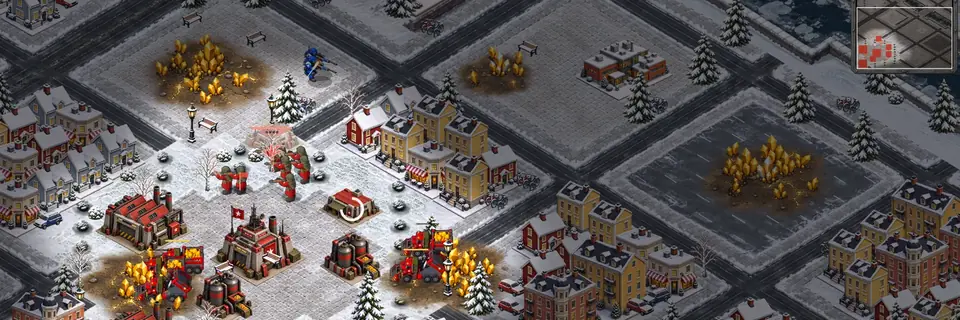
- We make Frontier: Cold Front, a 2D browser RTS that runs on all three
- Rule of thumb
- 2D and 1990s-era games run almost anywhere; big 3D RTS games need a real GPU
Quick answer
| Device | Easiest great RTS | Free option | Deeper option |
|---|---|---|---|
| MacBook (Apple silicon or Intel) | StarCraft II | OpenRA, Warzone 2100, Frontier: Cold Front | Northgard, Warcraft III: Reforged |
| Chromebook | Frontier: Cold Front in Chrome | Littlewargame, Mindustry (Android) | Rusted Warfare (Android) |
| Old Windows laptop | StarCraft: Brood War | Freeware C&C via CnCNet, OpenRA | Age of Empires II: DE (modest GPU) |
On a Mac
macOS is better served than its reputation suggests:
- StarCraft II: native on macOS, free multiplayer and Wings of Liberty campaign. The best competitive RTS you can run on a Mac.
- Warcraft III: Reforged: native, paid. Runs well with the classic graphics mode on older Macs.
- Northgard: native, paid. A calm, beautiful RTS that is light on hardware.
- Rusted Warfare and Mindustry: native and lightweight.
- OpenRA, 0 A.D., Warzone 2100: free and open source, native builds.
- Browser games: Frontier: Cold Front, Littlewargame and others run in Safari, Chrome or Firefox. Chrono Divide runs Red Alert 2 in the browser if you own the game files.
Big Windows-only RTS games (the Age of Empires Definitive Editions, Age of Empires IV, Tempest Rising) have no native Mac versions; cloud gaming or compatibility layers are the workaround, with varying results.
On a Chromebook
Chromebooks have three ways to run games:
- The browser. Works on every Chromebook, including school-managed ones (check the rules first). Frontier: Cold Front runs with full mouse-and-keyboard controls; Littlewargame, OpenFront and Territorial.io are other options.
- Android apps from the Play Store, on most models made since 2019. Rusted Warfare, Mindustry and Northgard are good picks; mouse support varies.
- Linux apps on stronger Chromebooks with Linux enabled. OpenRA and Warzone 2100 install from their sites or Flathub.
On a low-end or old PC
The 1990s and early 2000s RTS games were made for machines far weaker than a modern budget laptop:
- StarCraft: Brood War: free and runs on anything; Remastered is also light.
- Freeware Command & Conquer, Red Alert, Tiberian Sun via CnCNet, or OpenRA for the remakes.
- Warzone 2100: free, full campaign, light on the GPU.
- Age of Empires II: Definitive Edition: modest requirements by modern standards; integrated graphics from the last few years cope at lower settings.
- Rusted Warfare and Mindustry: 2D, very light.
- Browser RTS: no install, and a 2D game like Frontier: Cold Front runs on integrated graphics.
Make any RTS run better
- Plug in. Laptops throttle on battery.
- Lower the resolution or render scale before you lower everything else; RTS games are often limited by unit counts, not pixels.
- In the browser, keep hardware acceleration on, close other tabs and use full screen.
- Smaller maps and fewer players reduce the load more than any graphics setting.
Frequently asked questions
What RTS games run natively on Mac?
StarCraft II (free multiplayer), Warcraft III: Reforged, Northgard, Rusted Warfare, Mindustry, and the free open-source games OpenRA, 0 A.D. and Warzone 2100. Any browser RTS, such as Frontier: Cold Front, also runs on a Mac.
Can you play RTS games on a Chromebook?
Yes: browser games run on every Chromebook, most Chromebooks run Android apps such as Rusted Warfare and Mindustry, and stronger models can run Linux apps like OpenRA and Warzone 2100.
What is a good RTS for a low-end PC?
The 90s classics and their remakes are ideal: StarCraft: Brood War (free), OpenRA, the freeware Command & Conquer games and Warzone 2100. Lightweight modern options include Rusted Warfare, Mindustry and browser games like Frontier: Cold Front.
Does Age of Empires run on Mac?
There are no native macOS versions of the Age of Empires Definitive Editions or Age of Empires IV. Mac players use cloud gaming or Windows compatibility tools, with mixed results.
All game names, trademarks and logos mentioned here belong to their owners and are used only to identify the games. Frontier: Cold Front is an independent game by Rick-y Media AB and is not affiliated with, endorsed by or sponsored by Electronic Arts, Blizzard Entertainment, Microsoft or any other company named on this page.
Keep reading
- Browser RTS gamesWhat a browser RTS can do in 2026, the kinds you will find, and the best places to start.
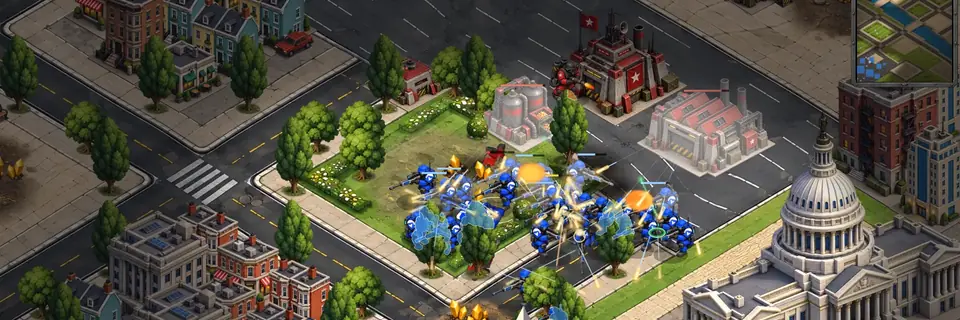 Best free browser RTS gamesBase builders, fan remakes and .io strategy that run in a tab, compared honestly.
 Free RTS gamesFree-to-play, open source, freeware classics and browser RTS games, with the catch spelled out.
 Cross-platform RTS gamesRTS games where phones, PCs, Macs and consoles meet in one match, and how to set it up.