Browser RTS games: real-time strategy with no download
Real-time strategy used to mean a CD and an installer. In 2026 a browser tab is enough for a proper base-building RTS, on a laptop, a Chromebook or a phone.
What counts as a browser RTS?
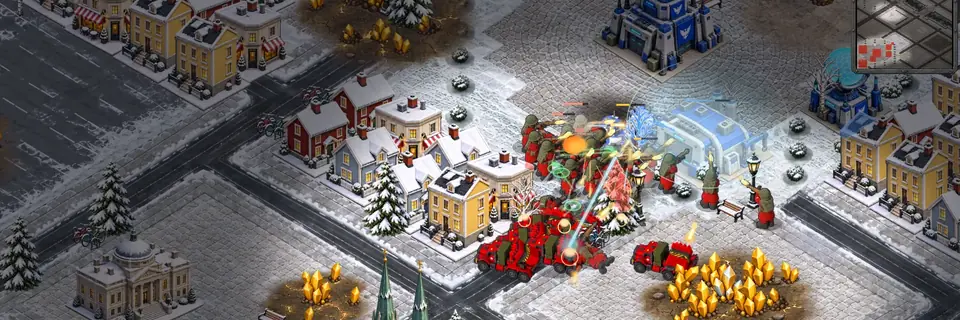
A browser RTS is a real-time strategy game that runs in a web page: you open a link and play, with nothing to install. The genre itself is the same as on PC: you gather resources, build a base, produce units and fight an opponent who is doing the same thing at the same time. What changed is the technology. Flash-era browser strategy was mostly simple lane battles. Since WebAssembly arrived in all major browsers, studios and fans have been able to ship real engines to the web, with pathfinding for hundreds of units, fog of war, replays and lockstep multiplayer.
The four kinds you will find
| Kind | What it plays like | Examples |
|---|---|---|
| Classic base builders | HQ, harvesters, build menu, tech tree, army. The Command & Conquer / StarCraft model | Frontier: Cold Front, Littlewargame |
| Fan remakes | Classic RTS games rebuilt to run in a tab, usually needing the original game files | Chrono Divide (Red Alert 2) |
| .io territory games | Expand your colour across a big map against many players; light economy, no unit micro | OpenFront, Territorial.io |
| Lane and tower hybrids | Units walk a lane on their own; you pick what to send | Many itch.io and portal games |
All four are fun. Only the first two scratch the itch of a classic RTS, and that is where we focus.
Quick picks
- Best all-round free browser RTS that also works on phones: Frontier: Cold Front. We make it; the full list explains how it compares.
- Best long-running multiplayer community: Littlewargame, a free medieval RTS with up to six players and a map editor.
- If you own Red Alert 2: Chrono Divide runs it in a browser tab after you import your files.
- Biggest battles with the least to learn: OpenFront or Territorial.io.
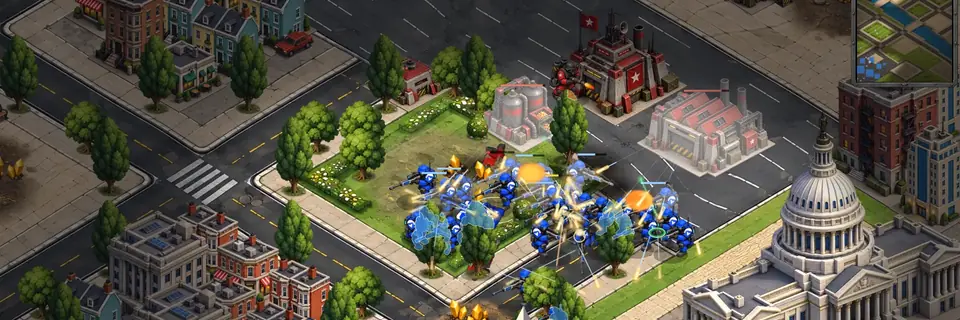 Best free browser RTS gamesBase builders, fan remakes and .io strategy that run in a tab, compared honestly.
- RTS on Mac, Chromebook and low-end PCsWhat runs on a MacBook, a Chromebook or a ten-year-old laptop, from native ports to browser games.
What to check before you start
- Does it need files you have to own? Fan remakes usually do. That is fair to the original makers, but it means "free" has a catch.
- Does it work on your device? Many browser RTS games are desktop-only. A few, including Frontier, are designed for touch screens too.
- Is there anyone to play with? Look for a quick-match queue or an active lobby, or at least a good AI if you play alone.
- Is it the official site? Play from the developer's site rather than a re-host full of ads.
Getting the best performance
- Use a current version of Chrome, Edge, Firefox or Safari and keep hardware acceleration switched on.
- Close heavy tabs (video, video calls) while playing.
- Go full screen: most games have a button for it, and it gives the game the whole screen and better pointer control.
- On a phone, turn on Low Power Mode only if you have to: it limits frame rate.
Browser RTS on phones and with friends
Browser games are the easiest way to get people on different devices into one match: there is nothing to install, so a link is enough. If that is your goal, read our guides to cross-platform RTS games and how to play an RTS on a phone.
 Cross-platform RTS gamesRTS games where phones, PCs, Macs and consoles meet in one match, and how to set it up.
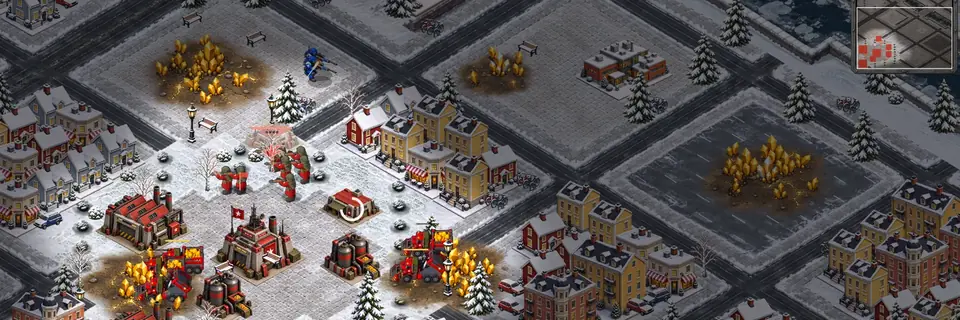 How to play RTS on a phoneCommand bars, drawn routes, radial menus and one-thumb play, plus tips for any mobile RTS.
Can you play a real RTS in a browser?
Yes. WebAssembly lets browsers run game engines at close to native speed, so full base-building RTS games with campaigns and online multiplayer now run in Chrome, Edge, Firefox and Safari without plugins.
What is the best free RTS in the browser?
It depends on what you want: Frontier: Cold Front for a classic base builder with campaigns that also works on phones, Littlewargame for a long-running medieval multiplayer RTS, Chrono Divide if you own Red Alert 2 and want it in a tab, and OpenFront or Territorial.io for huge territory battles. Our full list compares them.
Do browser RTS games work on Chromebooks and school laptops?
Most do, because they need nothing installed. Performance depends on the device; 2D games run well on modest hardware. Check your school or work rules before playing on a managed device.
Are 'unblocked' game sites safe?
Be careful. Many mirror sites re-host games without permission and add aggressive ads. Play on the developer's own site when you can.
Keep reading
- Free RTS gamesFree-to-play, open source, freeware classics and browser RTS games, with the catch spelled out.
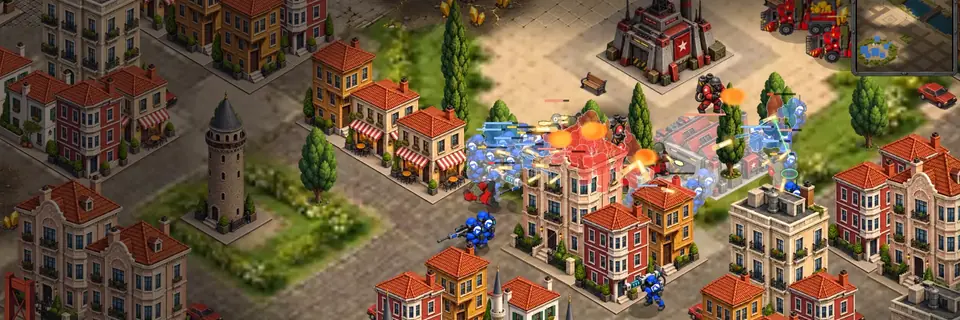 Mobile RTS gamesReal RTS games for iPhone and Android, how touch controls work, and picks for five-minute sessions.
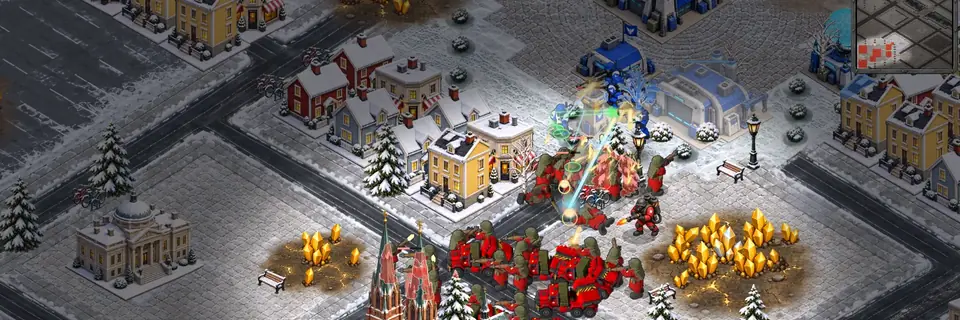 Classic RTS gamesThe landmark 90s RTS games, how to play them legally today, and modern games in the same spirit.