Mobile RTS games: real-time strategy on iPhone and Android
Phones are finally good at real-time strategy, if you know where to look. Here is how to tell a real RTS from a card battler, and the best games for short and long sessions.
Real RTS or "strategy"?
Search the app stores for strategy and you get three very different things:
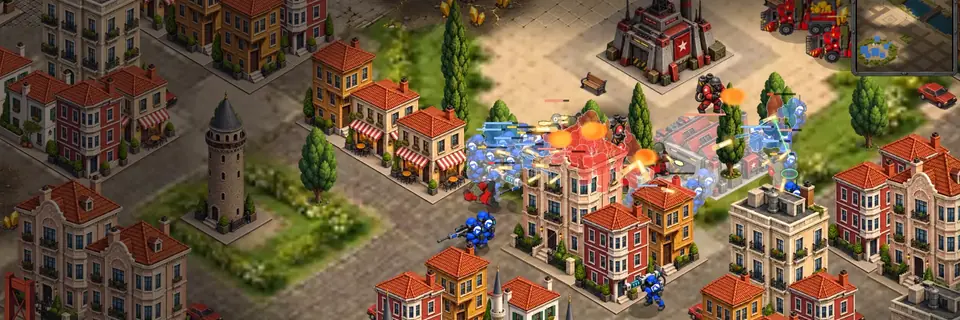
- Real-time strategy (RTS): you gather resources, build, produce and command units yourself while the opponent does the same. That is what this hub is about.
- Card and lane battlers: you drop units from a hand of cards and they fight on their own (Clash Royale-style). Fast and fun, but not an RTS.
- Build-and-wait strategy: city or base builders with timers, where battles resolve automatically. Usually free-to-play with heavy monetisation.
A useful test: can you select a group of units and tell them exactly where to go? If yes, it is probably an RTS.
The best places to start
| If you want… | Try | Where |
|---|---|---|
| A classic base builder, free, nothing to install | Frontier: Cold Front | Any phone browser (iOS app coming) |
| A deep 2D RTS that plays against PC players | Rusted Warfare | iOS, Android, PC |
| A premium, story-driven RTS | Northgard, Company of Heroes, Iron Marines | iOS, Android |
| Free-to-play online PvP | Art of War 3: Global Conflict | iOS, Android |
| Factory-building plus tower defence and RTS | Mindustry | Android (free on F-Droid), iOS, PC |
Platform-specific lists, with prices and who each game suits:
- Best RTS games on iPhoneNorthgard, Company of Heroes, Rusted Warfare, Iron Marines and a free one-thumb RTS in Safari.
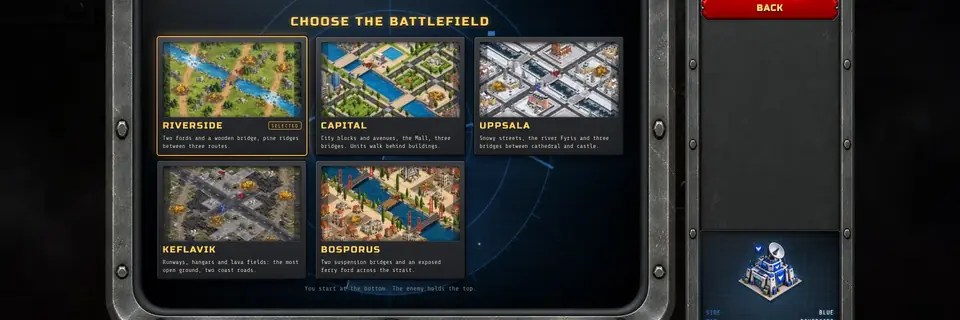 Best RTS games on AndroidRusted Warfare, Mindustry, Northgard, Company of Heroes and a free browser RTS for Android.
Quick-session RTS: games for five to fifteen minutes
Phones get played in short bursts, and the classic RTS match can run 30 minutes or more. Games that respect that:
- Frontier: Cold Front: matches against the AI usually take 8–15 minutes and the game pauses itself when you switch apps. Campaign missions are 8–15 minutes each.
- Iron Marines: short, mission-based levels designed for mobile.
- Bad North: real-time tactics rather than full RTS, with island battles that last a few minutes.
- Warcraft Rumble: very short matches, but it is a lane-and-card hybrid, and Blizzard stopped making new content for it in July 2025.
How touch controls work in RTS games
Every mobile RTS has to solve the same problem: a mouse has a pointer, two buttons and a wheel, a phone has a thumb. The common answers are tap-to-select with on-screen command buttons, drag boxes for group selection, drawn routes, and radial menus that open where you press. Our guide compares the approaches and gives practical tips.
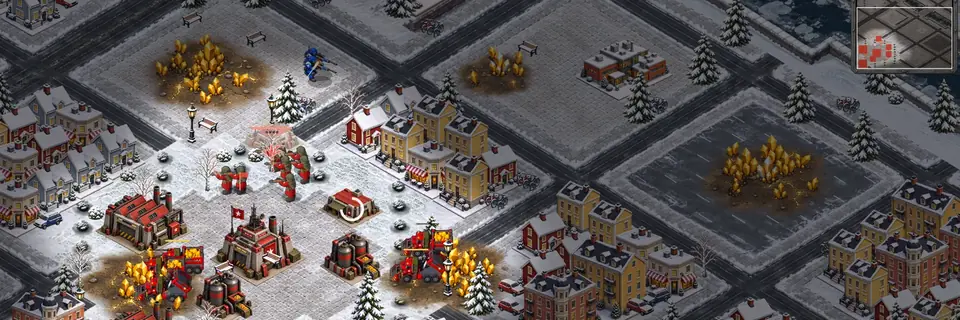 How to play RTS on a phoneCommand bars, drawn routes, radial menus and one-thumb play, plus tips for any mobile RTS.
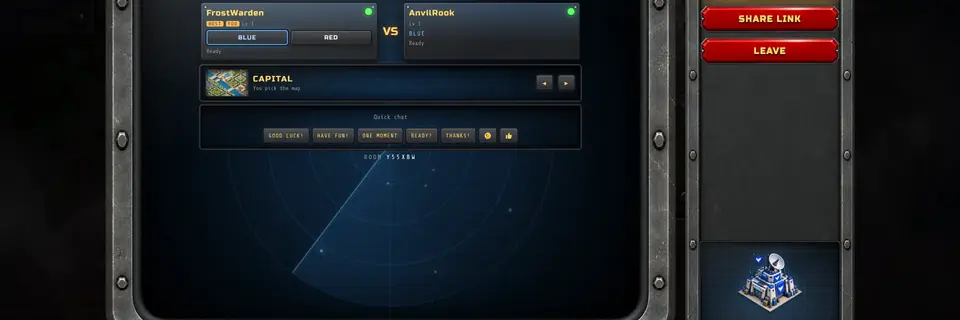 Cross-platform RTS gamesRTS games where phones, PCs, Macs and consoles meet in one match, and how to set it up.
Battery, heat and data
- RTS games are heavy on the GPU when the screen fills with units. Lower brightness and close background apps on long sessions.
- Browser games download once and then cache. Frontier's first load is about 10 MB.
- Online matches use little data; the large downloads are the game and its updates.
Are there real RTS games on mobile?
Yes. Premium ports like Northgard and Company of Heroes, mobile-first RTS games like Rusted Warfare and Iron Marines, and browser games like Frontier: Cold Front all have base building or army control in real time. Many 'strategy' hits on the app stores are card battlers or city builders instead.
What is the best free RTS on mobile?
For a classic base builder with no in-game purchases, Frontier: Cold Front runs free in the phone's browser. Art of War 3 is a popular free-to-play app with in-app purchases. Mindustry is free on F-Droid for Android.
Can you play an RTS with one hand?
Some are designed for it. Frontier: Cold Front is played upright with one thumb using taps, drags and a press-and-hold radial menu. Most phone RTS games are landscape and use both thumbs.
Keep reading
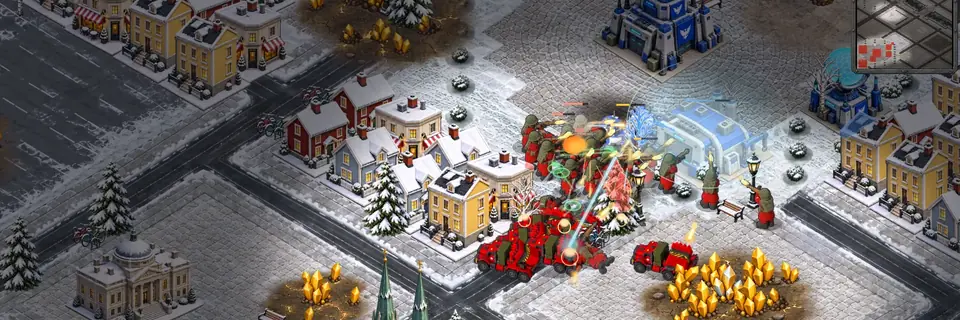 Browser RTS gamesWhat a browser RTS can do in 2026, the kinds you will find, and the best places to start.
- Free RTS gamesFree-to-play, open source, freeware classics and browser RTS games, with the catch spelled out.
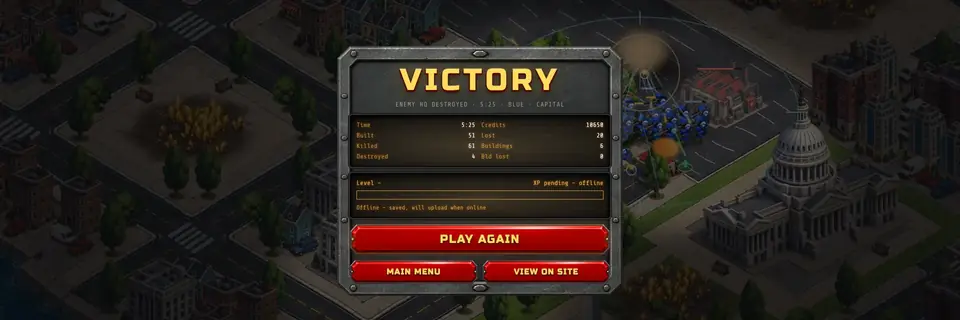 How to get better at RTS gamesTwelve habits that carry over to every RTS: production, scouting, build orders, counters and more.